How to Count Words and Characters in an Article
Knowing how many words and characters are in an article is useful for writers, students, bloggers, marketers, and anyone working with text. Some assignments have strict word limits, while websites, social media platforms, forms, and job applications may limit the number of characters you can enter.
Counting everything manually is possible, but it is slow and easy to get wrong. An online word and character counter can provide the answer in seconds.
What Is Word Count?
Word count is the total number of words in a piece of text.
For example, the sentence: "Writing clear content takes practice."
contains five words.
Word count is commonly used for blog posts, school assignments, essays, reports, product descriptions, articles, and professional documents.
When a website or client asks for an article of 800 words, they are usually referring to the number of words in the main body of the content, although exact counting rules can vary between platforms.
What Is Character Count?
Character count measures the number of individual characters in a piece of text. Depending on the tool you use, characters may be counted either with spaces or without spaces.
Letters, numbers, punctuation marks, and symbols can all contribute to the character total.
For example, the text:
"Hello world!"
contains 12 characters when the space and exclamation mark are included.
This distinction matters because some platforms set limits based on characters rather than words. A short sentence can therefore have a relatively high character count if it contains long words, punctuation, or multiple spaces.
How to Count Words and Characters in an Article
The easiest method is to copy your article into an online word counter or character counter.
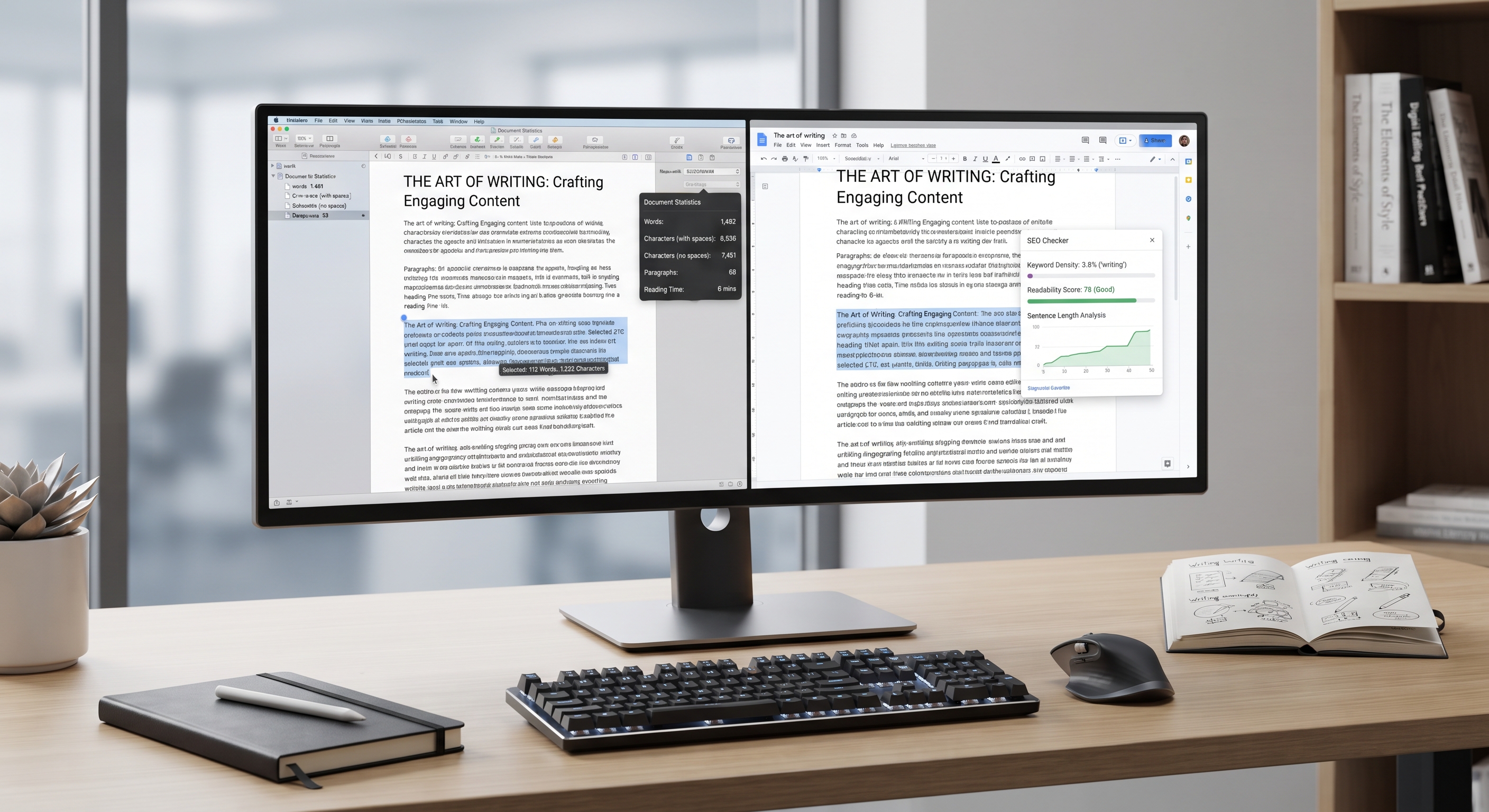
A good tool can instantly display the total number of words, characters with spaces, and characters without spaces. Some tools may also show sentences, paragraphs, and other basic text statistics.
This is particularly useful when editing a long article. Instead of manually checking each paragraph, you can paste the full text into the counter and immediately see its length.
For example, if you are writing an article with a target of 800 words, checking the word count before publishing lets you know whether the content is too short, too long, or close to the intended length.
Why Word Count Matters for Articles
Word count is useful because it gives you a simple way to measure the length of your content.
For writers, it can help with planning and editing. If your first draft is 1,400 words but the project requires around 900, the word count shows that you probably need to remove repetition or unnecessary sections.
On the other hand, if an article is only 400 words when the topic requires a detailed explanation, the count can reveal that more useful information may be needed.
Word count should not be treated as the only measure of quality. A shorter article can be more useful than a longer one when it answers the reader's question directly.
Why Character Count Matters
Character limits are common in places where space is restricted.
Social media posts, advertising fields, online forms, titles, meta descriptions, and application fields may have character limits. In these situations, knowing the exact character count can help you stay within the allowed space.
Character counting is also useful when preparing headlines, page titles, short descriptions, captions, and other compact pieces of content.
Checking the count before submitting text can prevent the frustration of discovering that a form has cut off part of your sentence or rejected the entry altogether.
Word Count vs. Character Count
Although they are related, word count and character count measure different things.
Word count tells you how many individual words are in the text. Character count tells you how many characters make up that text.
Consider this sentence:
"Online tools make writing easier."
It has five words, but its character count is much higher because every letter, space, and punctuation mark contributes to the total.
This is why a document can meet a word limit but still exceed a character limit.
How to Check Word Count in Common Writing Tools
Many popular writing applications have built-in statistics.
Microsoft Word includes a word count feature that can display words and characters. Google Docs also provides document statistics through its word count function.
These built-in options are convenient when you are already working inside a document.
An online word counter can be more useful when you want a quick check without opening a full editing application. You simply paste the text and view the results.
Tips for Accurate Word and Character Counting
Always check whether your target limit includes spaces. Character limits can be defined differently depending on the platform.
It is also worth checking whether headings, captions, or other text should be included in the final count. A client may count only the article body, while a school assignment may follow different requirements.
When editing, check the count again after making major changes. Adding or removing even a few sentences can significantly change the final total in a longer document.
Most importantly, use word and character counts as editing tools rather than writing goals by themselves. Good content should answer the reader's needs first.
Frequently Asked Questions
How do I count words in an article?
Copy the article into a word counter or use the built-in word count feature in applications such as Microsoft Word or Google Docs. The tool will calculate the total automatically.
How do I count characters in a paragraph?
Paste the paragraph into a character counter. Most counters can show characters both with spaces and without spaces.
Does a space count as a character?
Usually, when a tool reports "characters with spaces," each space is included in the total. Some tools also provide a separate count without spaces.
Is word count the same as character count?
No. Word count measures the number of words, while character count measures individual letters, numbers, spaces, and punctuation marks according to the counting method being used.
Can I count words and characters online for free?
Yes. Online word and character counters are widely available and can quickly calculate text length without requiring additional software.
Conclusion
Knowing how to count words and characters in an article makes writing and editing much easier. Whether you're preparing a blog post, assignment, social media caption, application, or professional document, checking text length helps you stay within the required limits.
An online word and character counter is one of the simplest ways to check your content. Instead of counting manually, you can paste your text into a tool and get an immediate result, making the editing process faster and more accurate.